F1 Live Timing: How to Follow a Session | Formula Dream
Guides
F1 Live Timing: How to Follow a Session as It Happens
Live timing is where a Grand Prix is actually decided, and the broadcast shows almost none of it. Where to find it, what each source gives you, and what to watch during each session.
A Formula 1 broadcast shows you about four cars. A live timing screen shows you all twenty, all the time, and it is where almost everything that decides a race is visible first: an undercut being set up, a tyre falling off a cliff, a driver quietly losing three tenths a lap for ten laps before anyone mentions it.
Timing screens tell you what happened; the radio tells you why. Every message from the last Grand Prix is in our
F1 live timing is available free from Formula 1's own site, and from a number of independent trackers. What you get varies a lot, and the richest official data sits behind a subscription.
Here is where to find it, what each type of source actually gives you, and what to look at during each session.
Where to find F1 live timing
There are three categories, and they are genuinely different products.
The official Formula 1 timing page. Formula 1 runs live timing on its own website at formula1.com, including a lighter version for slower connections. It is the primary source, it is free, and it is what most other things are ultimately derived from.
The official F1 app. It carries live timing, with the deeper telemetry, driver tracker map and live commentary reserved for F1 TV subscribers. The free tier gives you timing; the paid tier gives you the detail.
Independent trackers. A cluster of small sites and apps rebuild live timing in their own interfaces, usually free and usually without a signup. Quality and reliability vary, and because they depend on the same upstream feed, they tend to fail at the same moments.
The practical point is that live timing is not one thing. Two screens both labelled "live timing" can show completely different amounts of information, and the gap between them is usually tyre data and sector splits.
What live timing actually shows you
The core of any timing screen is the same:
Position and lap time for every car, updating each lap.
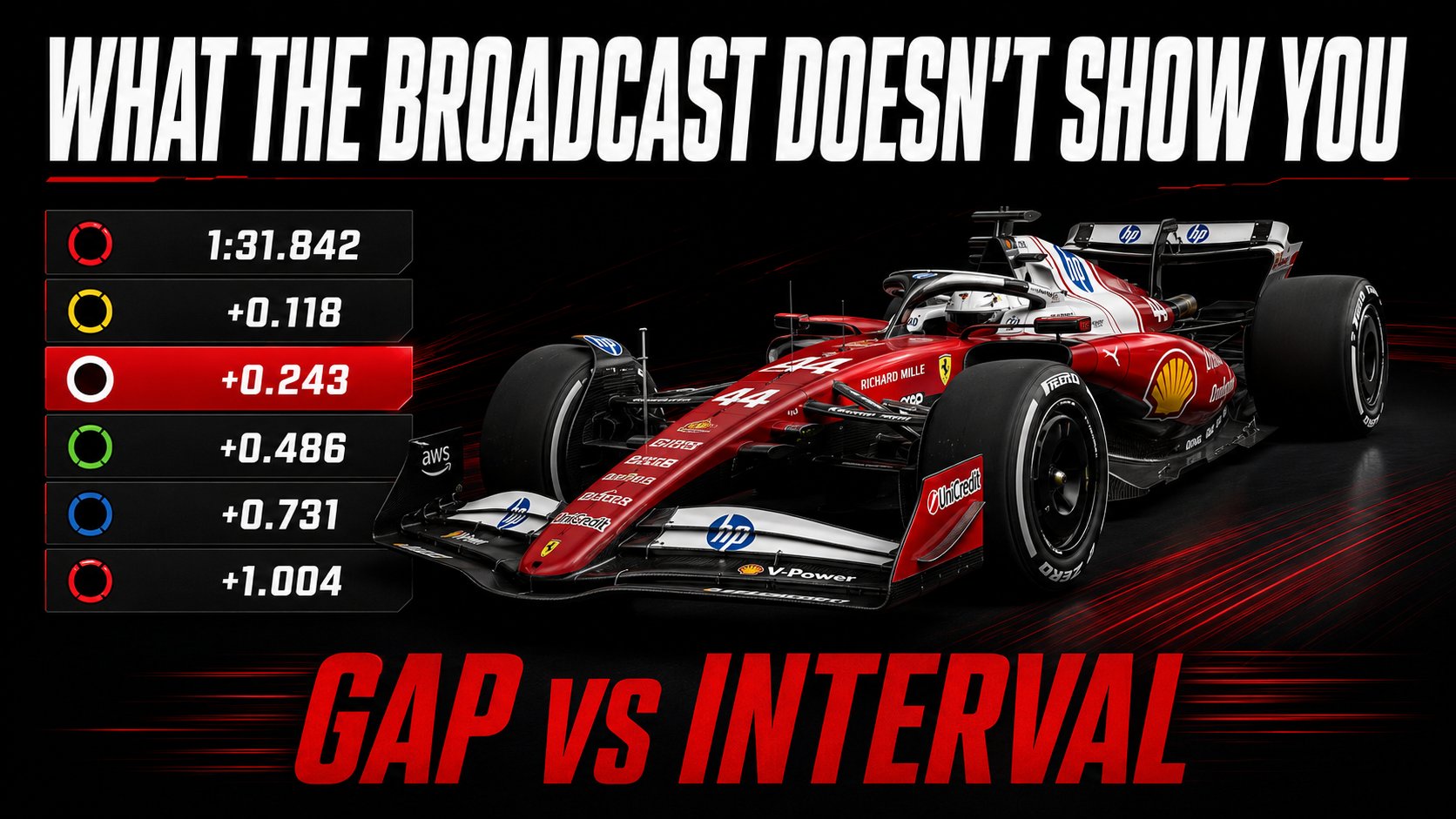
Gap and interval. Gap is the time to the leader. Interval is the time to the car directly ahead. They are different numbers and only the driver in second ever sees them match, which is the single most common mistake new viewers make. We cover this properly in how to read an F1 timing tower.
Sector times, usually colour coded, showing where on the lap a driver is gaining or losing.
Tyre compound and age. The most valuable column on the screen and the one most often missing from basic trackers.
Pit stops and track status, including yellow flags, safety cars and deleted lap times.
Without tyre compound and age, a timing screen tells you who is fastest. With it, the screen tells you why, and what is about to happen.
What to watch in each session
Live timing rewards different things depending on what is running.
Practice. This is where live timing matters most, because practice has almost no visible narrative. Cars go out, do a lap, come back. The entire meaning is in the data: who is on softs, who is on a heavy fuel load, whose long run is holding pace. A driver going fastest on a low-fuel soft run and a driver two seconds slower on a race simulation can be doing equally significant work, and the television pictures make them look identical. If you are watching a free practice session, timing is the difference between an hour of cars driving around and an hour of genuine information.
Qualifying. Watch the clock and the queue as much as the times. Track evolution means the last laps are usually the fastest, so a driver who runs early is giving something up. We measured this: the same driver in the same car is 0.825% faster in Q3 than Q1, roughly three quarters of a second on a 90 second lap, with nothing on the car having changed. The detail is in why F1 qualifying times drop.
The race. Watch intervals rather than gaps, and watch tyre age above everything. An undercut announces itself two or three laps early: the car behind starts losing time, its tyres are older than the car ahead, and the pit window is open. By the time the broadcast says "and he's coming in", the decision was made laps ago.
The three things live timing tells you before the commentary
A stint is ending. Lap times drifting by a tenth or two a lap, consistently, on a tyre that is getting old. That is the degradation curve arriving, and it is the cue for a pit stop.
A driver is stuck. An interval that stops falling at around a second is the signature of dirty air. We measured the cost at 0.49 seconds a lap inside one second, so a driver who closes to a second and then stalls is not losing interest, they are losing downforce.
A safety car has changed everything. A pit stop costs about 21.88 seconds under green and 14.24 behind a safety car. The moment the track status changes, the entire strategic picture does too, and the timing screen shows it before anyone explains it.
Timing tells you what, radio tells you why
Live timing is the most information-dense view of a race, but it only ever shows you the result of a decision. A lap time drops, a gap closes, a car pits. It cannot tell you that the driver asked to stop three laps earlier and was told to stay out.
That half is on the radio, and the two together are the whole picture: the number, and the argument that produced it. The team radio archive holds every broadcast message by session, so you can put the conversation back next to the timing.
Follow live timing on your phone
The Formula Dream app runs a live Dashboard through every session: every car moving on the circuit map, and a full timing tower with lap times, gaps and intervals, tyre compound and age, pit counts and positions gained or lost, plus flag and safety car alerts the moment race control calls them.
Alongside it you get live driver radio as it is broadcast, which is where a stint's end is usually announced by the driver before it shows up anywhere else, and every FIA document of the weekend collected as it is published, including the deleted lap times and stewards' decisions that change a result.
Free, no subscription, no ads, independent. Not affiliated with Formula 1.
Yes, in its basic form. Formula 1 provides live timing free on its own website, and a number of independent trackers offer it without a signup. The deeper official telemetry, driver tracker map and live commentary sit behind an F1 TV subscription.
What is the difference between gap and interval?
Gap is the time to the race leader. Interval is the time to the car directly ahead. Only the driver running second ever sees the two match. Reading one as the other makes the race look completely different to what is happening.
Why does live timing matter most in practice?
Because practice has no on-track story. Its meaning is entirely in lap times, tyre compound and fuel load, none of which a television feed shows. A qualifying simulation and a race run look identical on camera and mean completely different things.
How do you spot an undercut on live timing?
Watch tyre age and intervals together. If the car behind has older tyres, is losing a little time each lap, and the pit window is open, the undercut is being set up. It is visible two or three laps before it happens.
What does it mean when an interval stops falling?
Usually dirty air. A chasing car closes to about a second and then cannot get closer, because it is losing downforce in the wake of the car ahead. We measured that cost at 0.49 seconds a lap inside one second.
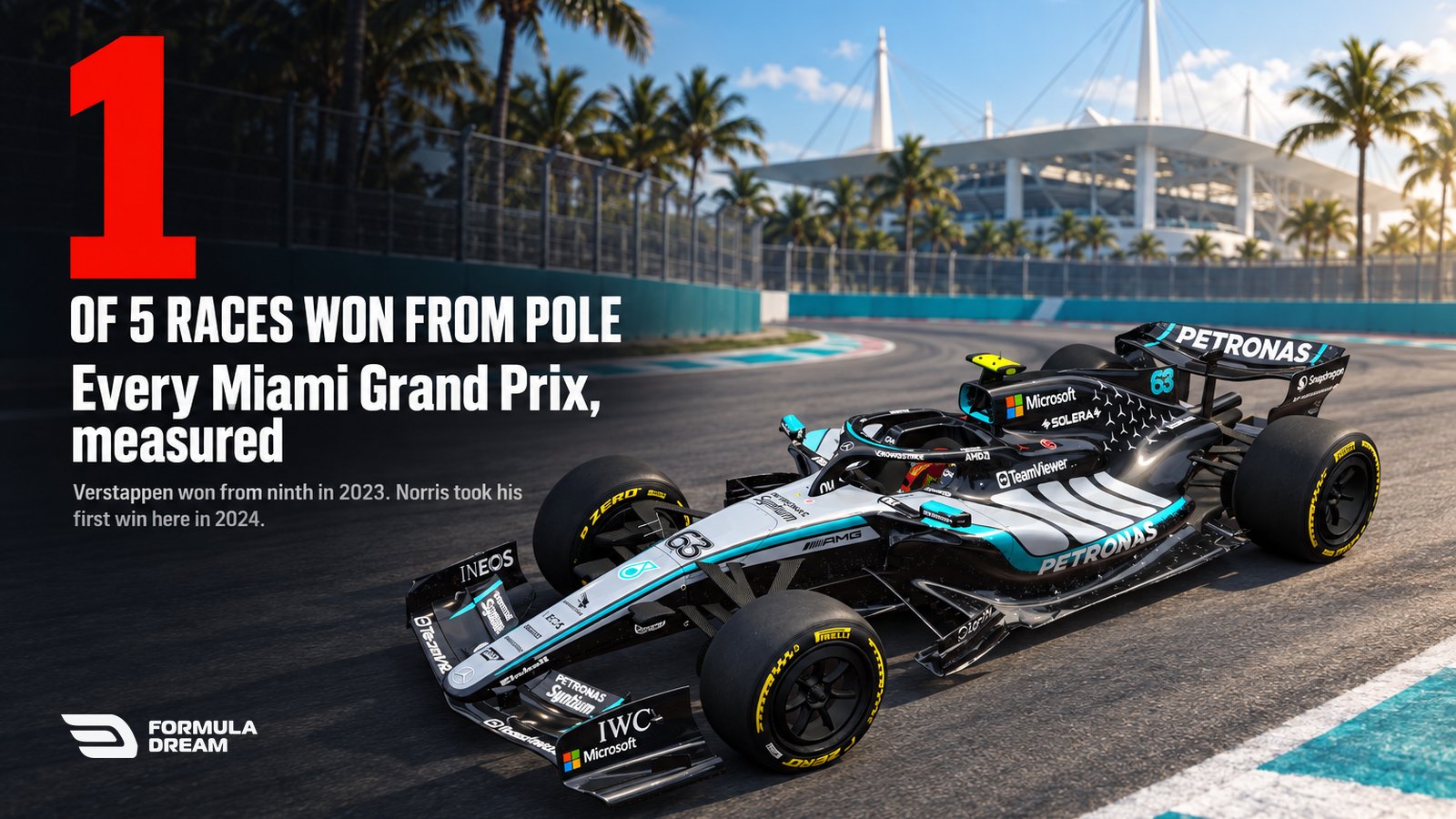
Every Miami Grand Prix winner, measured: five races, and pole has won only one of them
Five Miami Grands Prix have been held since 2022, and only one was won from pole: Kimi Antonelli's in 2026. Max Verstappen won from ninth in 2023, and Lando Norris took his first win there in 2024. Every winner, grid slot and safety car, measured.